Categories

Publish property listings to portals from one system

Publish your properties on 20+ portals, including Njuškalo, from one system.

How publishing works

  1. You enter the property once, in the offer form in EstateIQ.
  2. The property is published on the portals we have enabled for your agency.
  3. EstateIQ prepares the listings for these portals and sends them to their feeds.

The agency needs its own contract or user account on each portal. EstateIQ sends the listings to the agency's account. Listings update automatically at the next portal fetch.

Portals (13)

  • Njuškalo
  • JamesList
  • Real Estate Istra
  • Real Estate Croatia
  • Indomio
  • Bazzar
  • Oglasnik
  • OglasHR
  • Nekretnine365
  • Qwadu
  • Realitica
  • Famalo
  • Domy.pl

Other portals also accept listings in the Njuškalo XML format, so your listings reach 20+ portals in total.

List of all portals

Who this feature is for

For agencies that advertise the same offer on several portals: they enter a property once, in the offer form in EstateIQ, and the listing is prepared for the portals enabled for the agency.

For agents who change the price or description of a listing: they enter the change in EstateIQ, and the listings update automatically.

See EstateIQ in action

Three short videos without sound: adding a property, the sale and reports. The videos show the EstateIQ interface in Croatian.

Adding a property in a few stepsFrom an empty form to a saved property.
Video description

The video has no sound and shows:

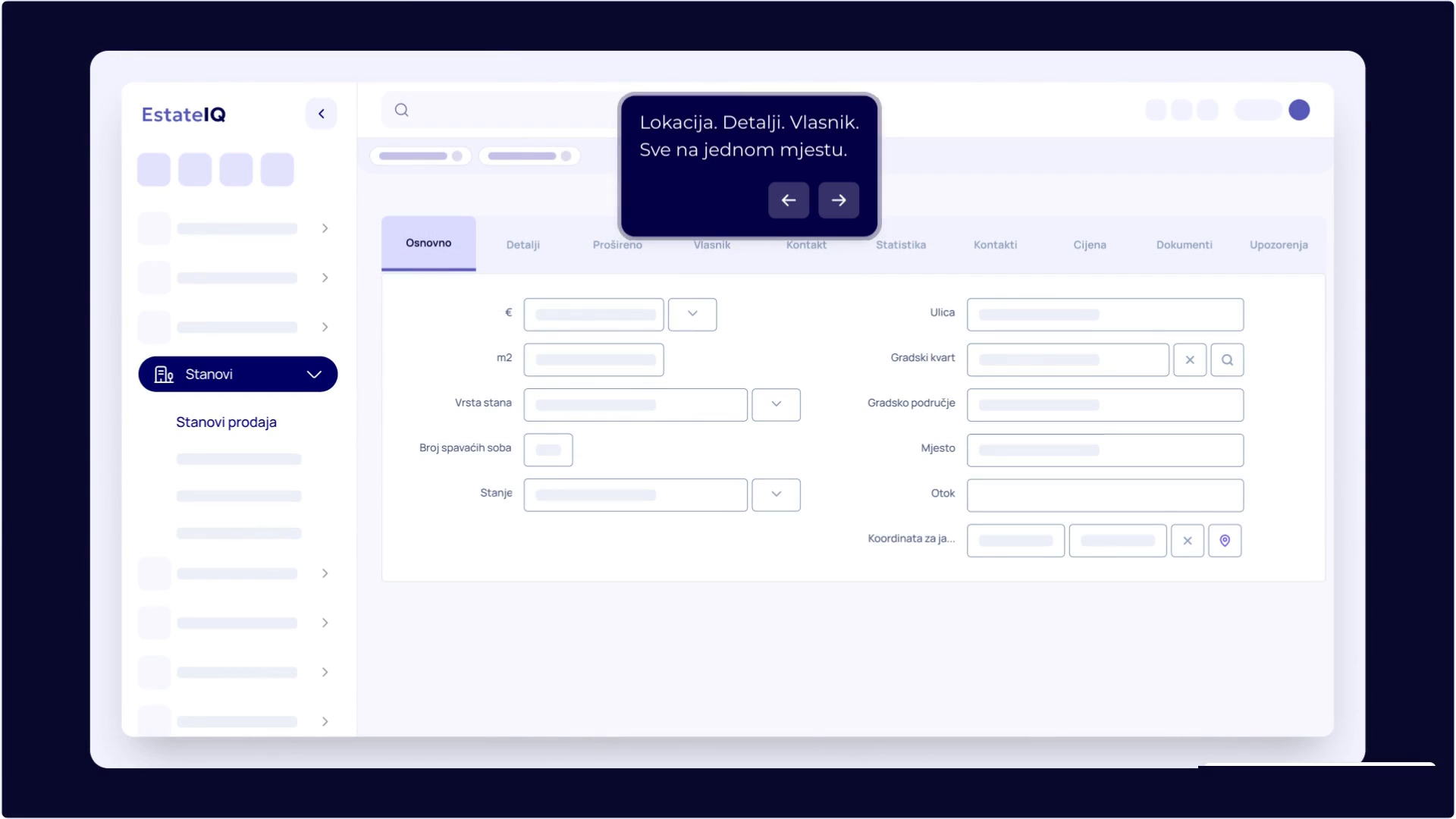
  1. The “Stanovi” (Apartments) category is opened from the menu on the left.
  2. In the property list, a click on the button for a new entry opens an empty form.
  3. The form is divided into tabs, among them “Osnovno” (Basic), “Detalji” (Details) and “Vlasnik” (Owner), so the location, details and owner are in one place.
  4. The completed data is saved with the “Spremi” (Save) button.
  5. From the menu next to the property in the list, the property is added to a group with one click, in the example “Web”.
From agreement to closed saleThe sale calculation comes from the offer form, and the status changes automatically.
Video description

The video has no sound and shows:

  1. In the apartment list, “Prodaj” (Sell) is selected from the three-dot menu next to the property.
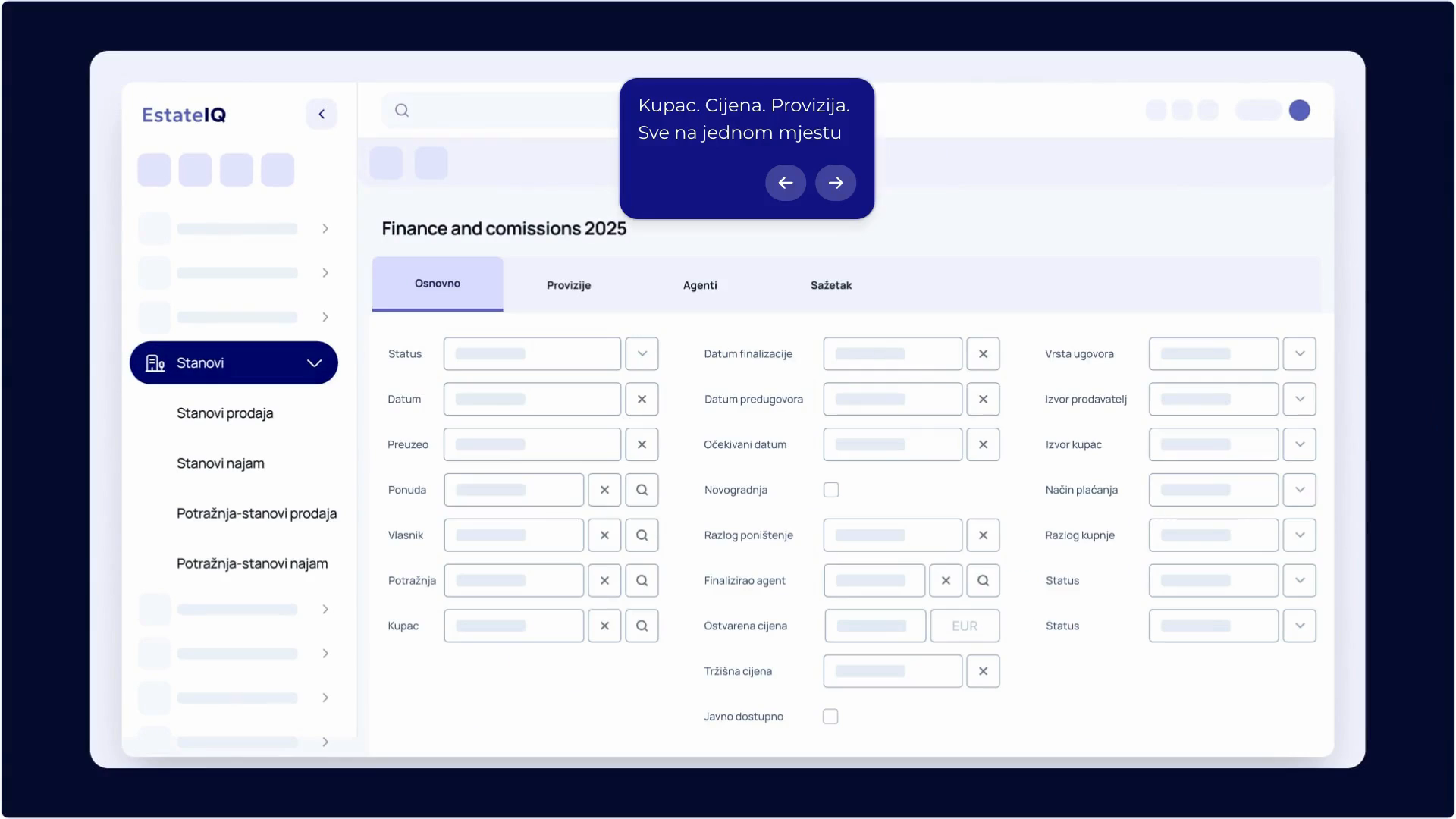
  2. The sale form opens with tabs, among them “Osnovno” and “Sažetak” (Summary).
  3. The buyer, the price achieved and the payment method are entered.
  4. The “Spremi” button saves the sale.
  5. The property status is updated and the sale calculation is generated.
Business reports in one clickA report with filters, ready for export to CSV or Excel.
Video description

The video has no sound and shows:

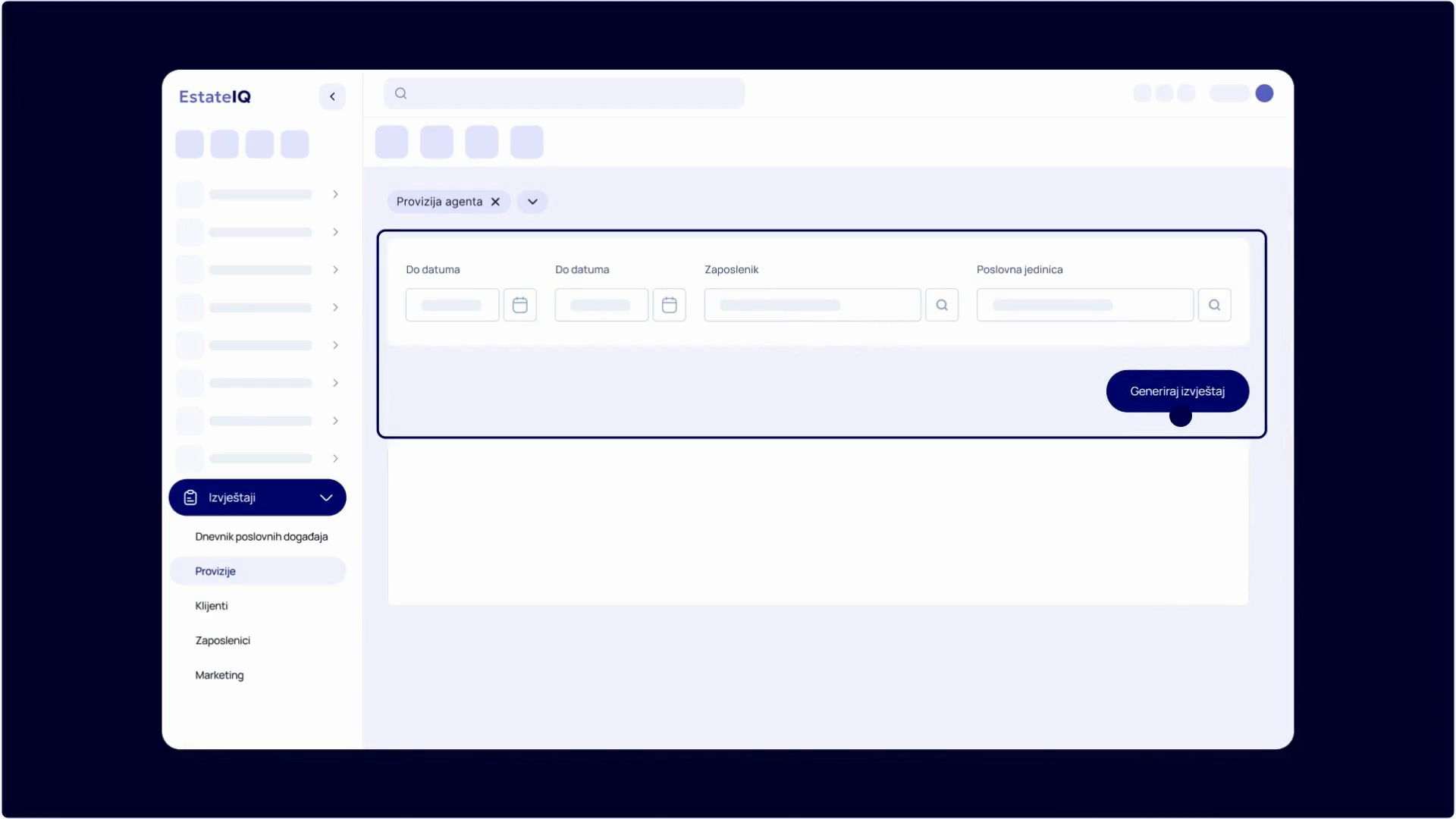
  1. The “Izvještaji” (Reports) category is opened from the menu on the left.
  2. A report is selected and filters are set, for example the period, the employee and the business unit.
  3. The “Generiraj izvještaj” (Generate report) button displays a table with the data.
  4. The report is downloaded as CSV or Excel, or printed.
  1. 1Adding a property in a few stepsDuration 0:33
  2. 2From agreement to closed saleDuration 1:00
  3. 3Business reports in one clickDuration 0:42

Book a free demo

Our team will show you how EstateIQ can improve your work.

  • Free, 30 minutes
  • Tailored to your agency
Open the calendar in a new tab

The calendar loads from Calendly (calendly.com), which sets its own cookies.

Prefer to write? Send us an inquiry or contact us at info@estateiq.hr.

Frequently asked questions about publishing listings to portals

Do I have to enter a listing on each portal separately?

No. You enter the property once, in EstateIQ, which sends the listings to the portals enabled for your agency.

What happens when I change the property data?

Listings update automatically, with no re-entry on the portal.

How is a portal enabled for my agency?

The agency needs its own contract or user account with the portal, and EstateIQ sends the listings to that account. We enable a portal at the agency’s request, after we agree on the details. Send the request through the form on the Contact page.

Related pages

Publish your first property from EstateIQ

Open your agency's account and try publishing to portals. See our Pricing page for prices.

Try it free